Print from a web app
Why a browser cannot reach a printer, and what an outbound agent does instead.
Cloud print API
Send a PDF, a ZPL label, or an ESC/POS receipt to a printer on your customer's desk with one HTTP POST. A small agent on their machine does the rest.
Free plan, no card required: 2 devices, 500 jobs a month, and an unlimited virtual test printer.
curl https://api.printsocket.com/v1/jobs \
  -H "Authorization: Bearer sk_test_..." \
  -H "Content-Type: application/json" \
  -d '{
    "printer_id": "prn_8f2k1",
    "title": "Order #12345 label",
    "content": {
      "format": "pdf",
      "url": "https://example.com/label.pdf"
    }
  }'
import PrintSocket from "printsocket";
const ps = new PrintSocket({ apiKey: "sk_test_..." });
const job = await ps.jobs.create({
printer_id: "prn_8f2k1",
title: "Order #12345 label",
content: {
format: "pdf",
url: "https://example.com/label.pdf",
},
});
console.log(job.status); // queuedimport printsocket
ps = printsocket.PrintSocket(api_key="sk_test_...")
job = ps.jobs.create({
"printer_id": "prn_8f2k1",
"title": "Order #12345 label",
"content": {
"format": "pdf",
"url": "https://example.com/label.pdf",
},
})
print(job["status"]) # queueduse PrintSocket\PrintSocketClient;
$ps = new PrintSocketClient([
'api_key' => 'sk_test_...',
]);
$job = $ps->jobs->create([
'printer_id' => 'prn_8f2k1',
'title' => 'Order #12345 label',
'content' => [
'format' => 'pdf',
'url' => 'https://example.com/label.pdf',
],
]);
echo $job['status']; // queued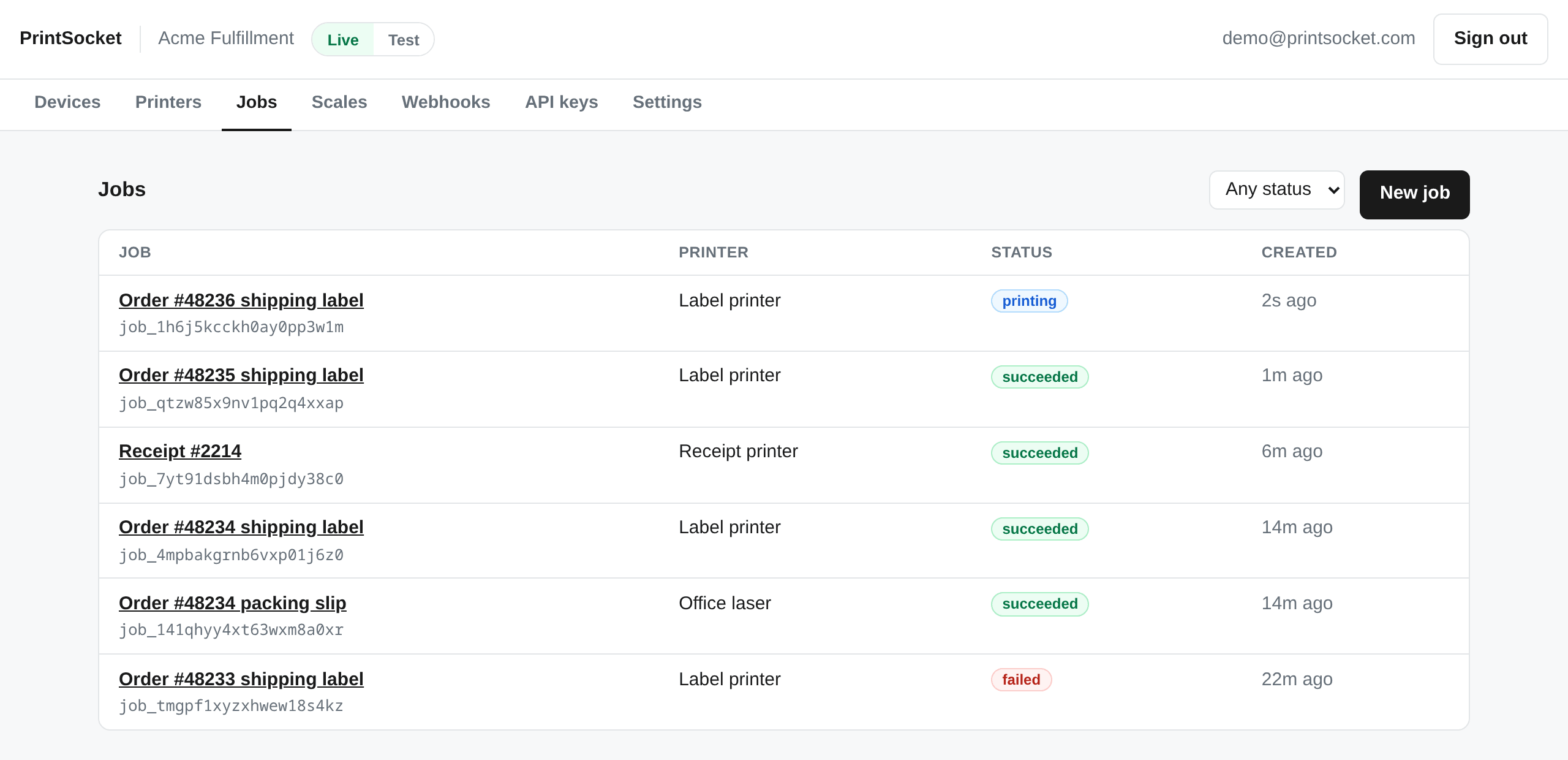
You get back a job with an id and a status. Watch it move with
GET /v1/jobs/{id}/events, or let a signed webhook tell you when it finishes.
A job that cannot print says so, with a code you can branch on.
url is any file we can reach. Send base64 for bytes you already
have, or upload a document once and reuse it by document_id across as many jobs
as you like.
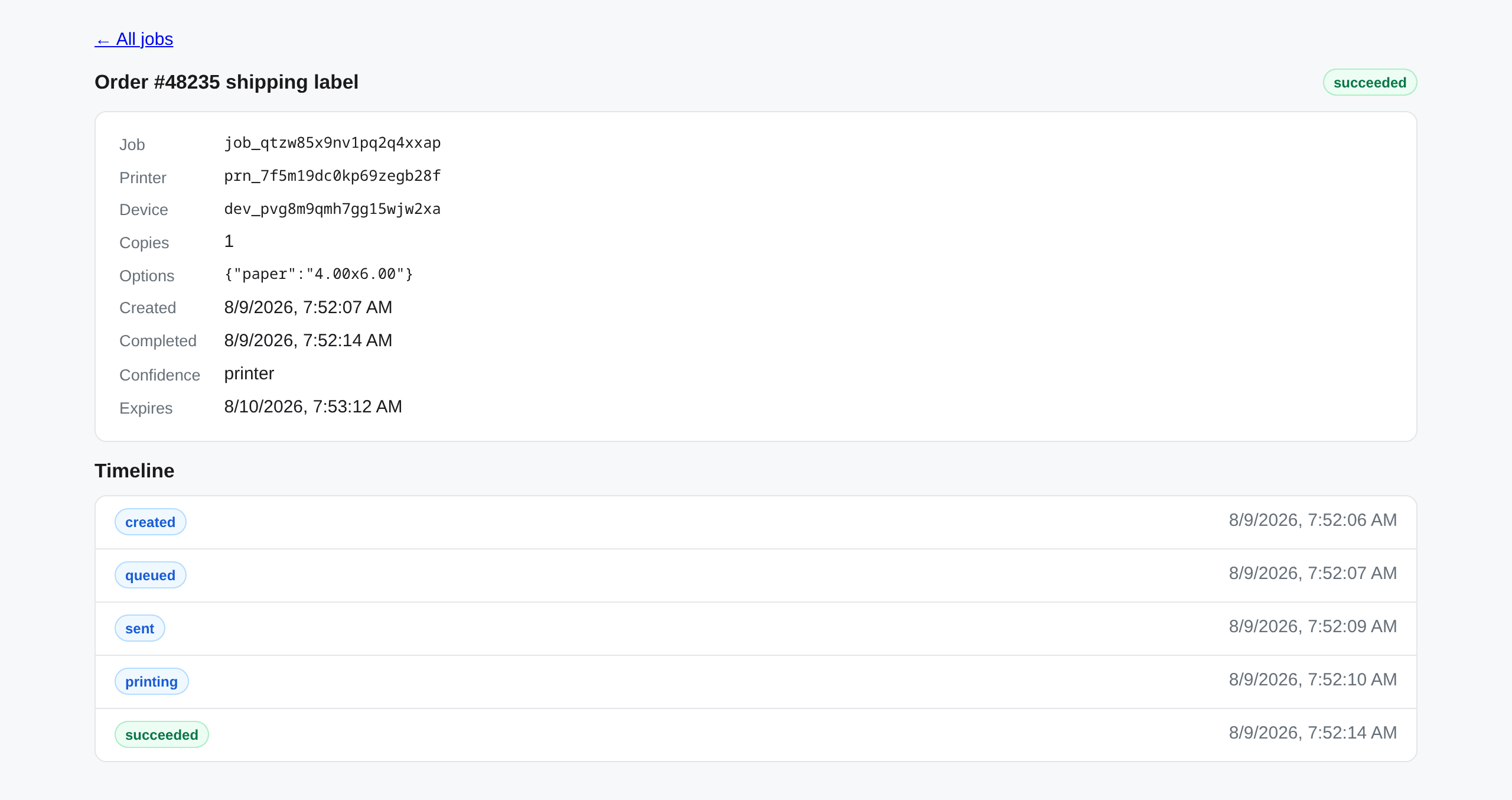
One installer for Windows, macOS, or Linux, on the machine that already talks to your printers. It enrolls with a single-use token and connects outbound over a WebSocket.
The agent reports every queue it can see, with capabilities: paper sizes, duplex, color, DPI, trays. Attached scales report their readings too.
POST /v1/jobs with a PDF or raw ZPL/ESC-POS payload. The agent prints it and
reports every state transition back.
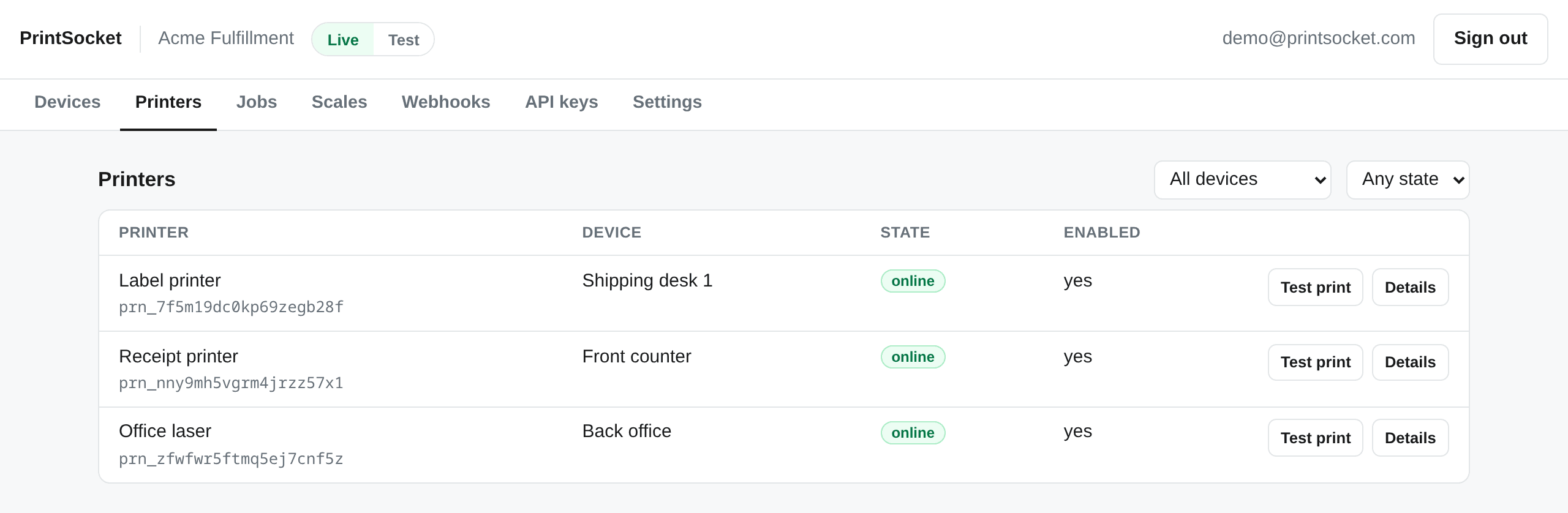
An sk_test_ key gets a virtual printer that runs the whole job lifecycle.
Build and test without hardware, free and unlimited on every plan.
Signed, retried, and testable from the dashboard before you write a line of handler code.
Send Idempotency-Key on any POST. A retry within 24 hours gets the original
response back, so a label cannot print twice.
Flat resources, cursor pagination, prefixed ids, one error object, RFC 3339 timestamps,
and metadata on every mutable resource.
A job that cannot print says so, with a code. Offline printers queue or reject: your choice, per job.
Store a document and reference it by id from as many jobs and printers as you like.
Shipping desks and checkout counters are more than document printers. The same agent and the same API handle the other hardware on the bench.
Plug in a USB shipping scale and the agent finds it, no setup. It works with any scale that
speaks the standard USB HID scale protocol, which covers DYMO M and S series, Stamps.com,
and Fairbanks models. Read the weight at the moment you buy the label:
GET /v1/scales/{id} returns the latest reading with a stable flag,
so you know the scale had settled, and a timestamp, so you know how fresh it is.
Send a job with "format": "raw" and the bytes go to the queue untouched, so the
ESC/POS commands your receipt template produces reach the printer exactly as written, with no
driver reformatting them along the way. Label printers use the same path for ZPL.

PrintSocket runs an MCP server, so an AI agent can list your printers, lay out and print a packing slip or a receipt from plain text, and check whether the job came out. Claude Code and Codex CLI connect with an API key, tested against production.
Give the agent its own key, confined to the printers it should use. Every other printer on the account answers as if it did not exist, on the MCP server and the REST API alike.
The tools tell the agent to confirm before it says anything printed, and what each outcome means: a simulated job prints nothing, and a spooler-only finish is not the printer confirming it.
Flat monthly plans. Limits count real devices and real prints; the virtual test printer is free and unlimited on all of them.
$0/mo
2 devices
500 jobs a month
$19/mo
20 devices
10,000 jobs a month
$79/mo
100 devices
100,000 jobs a month
Contact us
Custom limits,
invoiced directly
Four things people arrive here trying to do, and what the API gives each of them.
Why a browser cannot reach a printer, and what an outbound agent does instead.
Receipt printers take bytes, not PDFs. Raw content goes through unchanged.
Shipping labels, with idempotency so a retry cannot print one twice.
Grams, whether the scale had settled, and how old the reading is.
Create an account, enroll a machine, and send your first job in a few minutes.